
Ultimate ADHD Meal Planner Spreadsheet | Save Your Recipes & Auto Shopping List
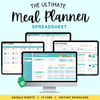
The Ultimate ADHD Meal Planner Spreadsheet
An ADHD-friendly spreadsheet that keeps your favorite recipes in one place, builds your shopping list,
and answers "what's for dinner" for you.
A Google Sheet you keep forever: every meal you love in one simple, visual home, without monthly app fees.
For an ADHD brain, dinner is not one task. It's five:
- Remember what you know how to make
- Decide what sounds good to eat
- Check what's in the kitchen
- Build a shopping list
- Shop
Each one is a place to freeze up. By 5 PM, that means takeout, again.
The recipes are rarely the problem. They are just scattered across screenshots, saved reels, and your own head, where 5 PM you cannot reach them.
This spreadsheet gives them one home and turns five steps into one. Your favorite repeat meals live in one place, so picking the week takes minutes, and the shopping list, costs, and macros take care of themselves.
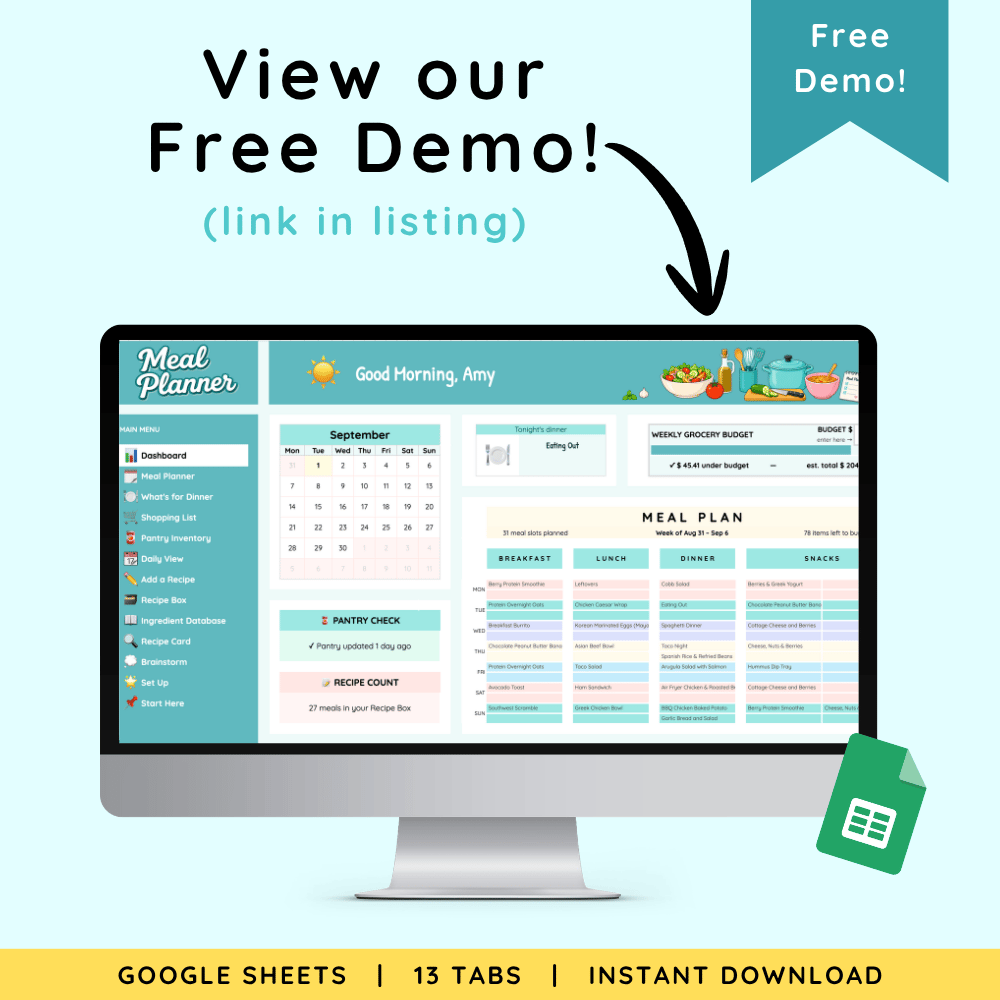
Take a look before you buy
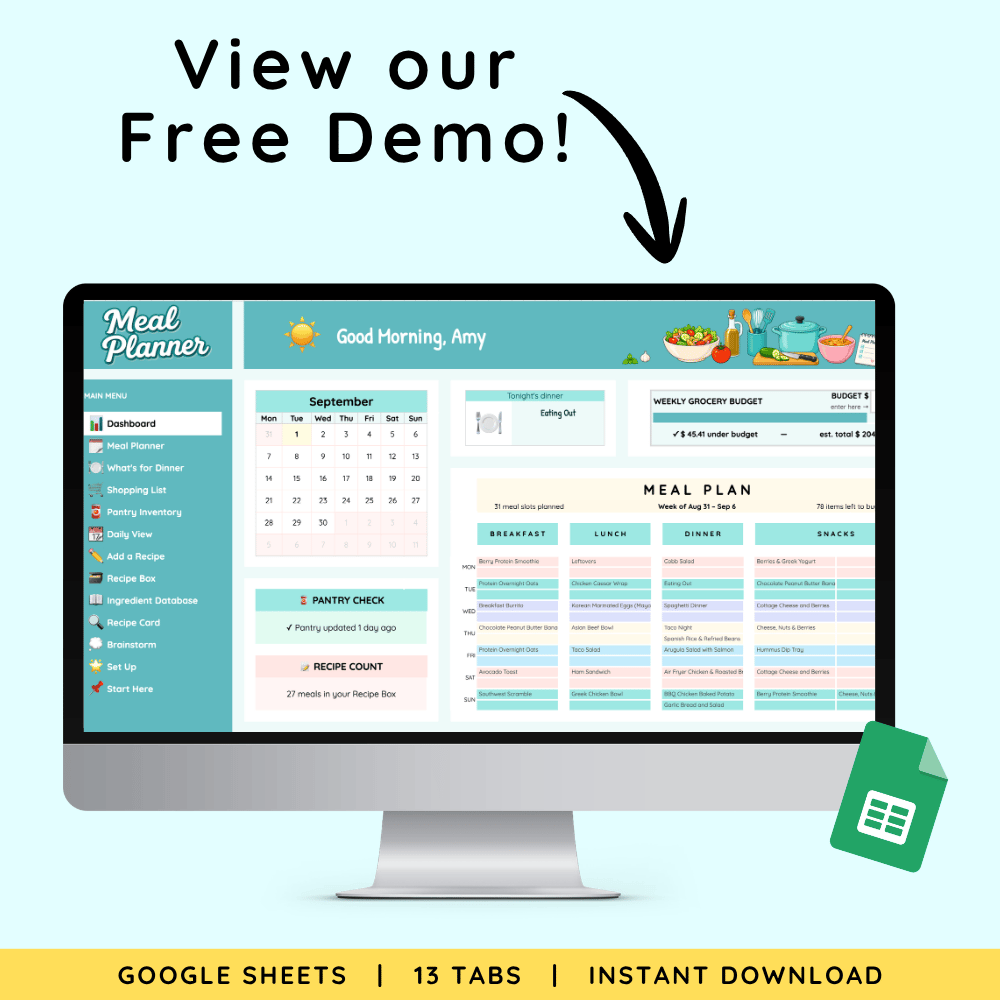
👉 Free Demo Link (View-Only)
Click through the demo to see the layout and flow of the spreadsheet, a planned week, and a finished shopping list.
This preview is read-only. The full version unlocks:
- All filters and automations
- Working dropdowns and checkboxes
- The Import a Recipe feature
- A detailed Quick Start and Setup guide
- Both a blank copy and an interactive DEMO planner filled with example recipes and a planned week
🛒 Get the full version
Why it Works for ADHD
Every favorite recipe, finally findable.
Your meals live in one place with (optional) photos, sorted by rating, cooking method, or the ingredients you have on hand. Pick what sounds good and add it to your week.
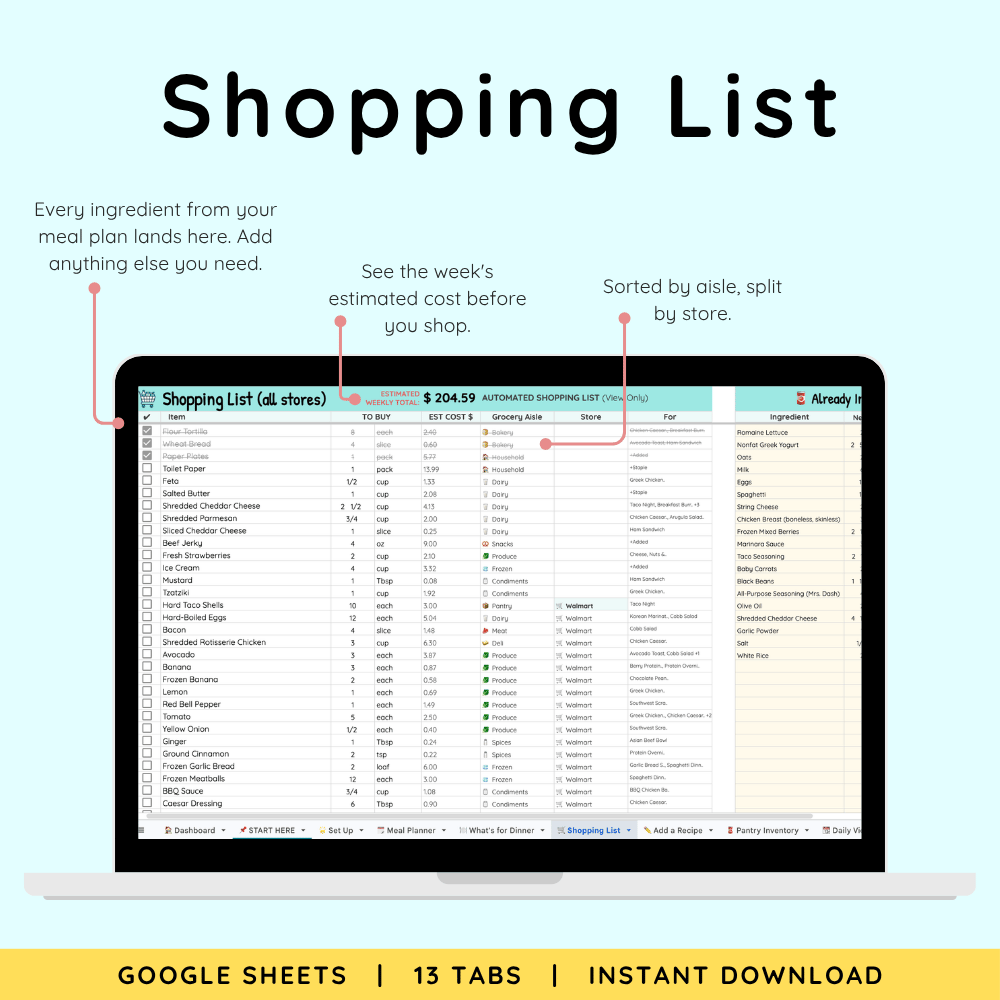
Your shopping list writes itself, sorted by aisle and split by store. It saves you hours. And it saves you from deciding dinner from scratch every single night!
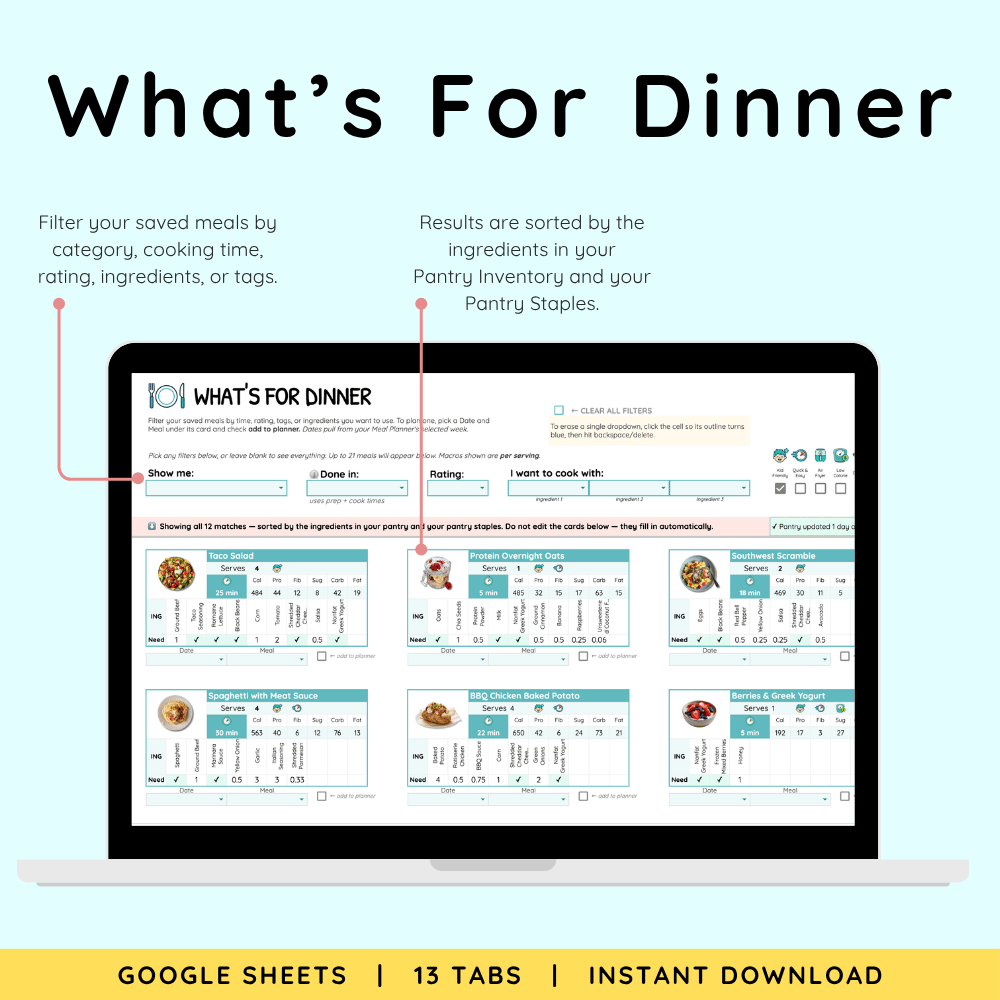
When your brain is empty, ask the spreadsheet.
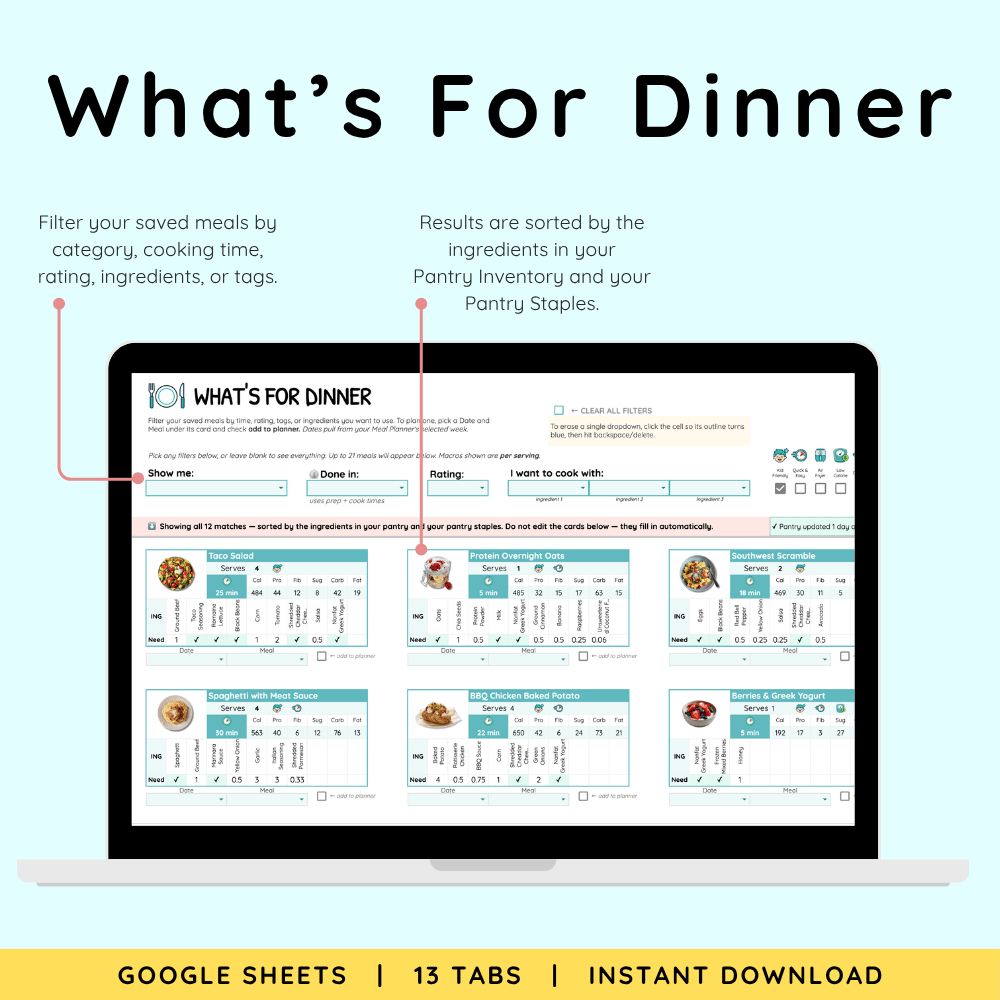
The What's for Dinner tab shows what you can make right now, using what is already in your kitchen. Choosing dinner takes seconds, even on low energy nights.
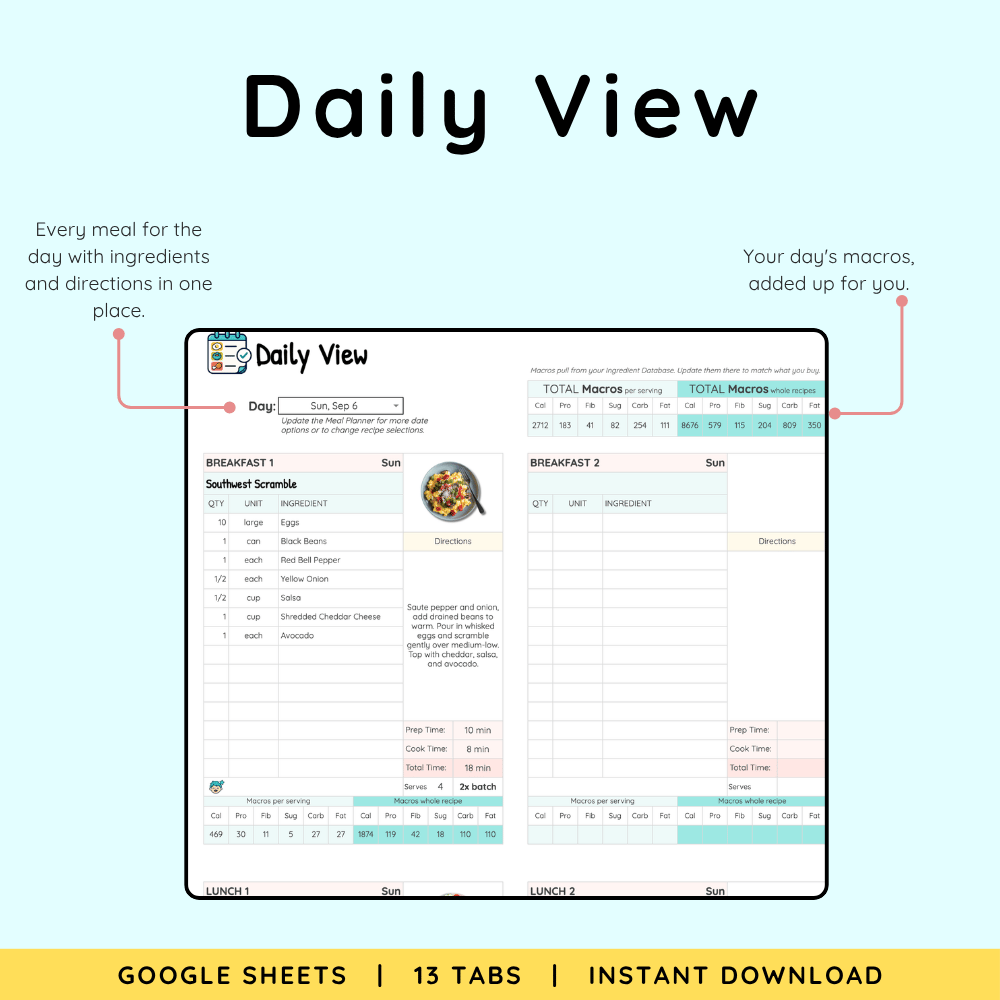
Nutrition info for every recipe, calculated for you
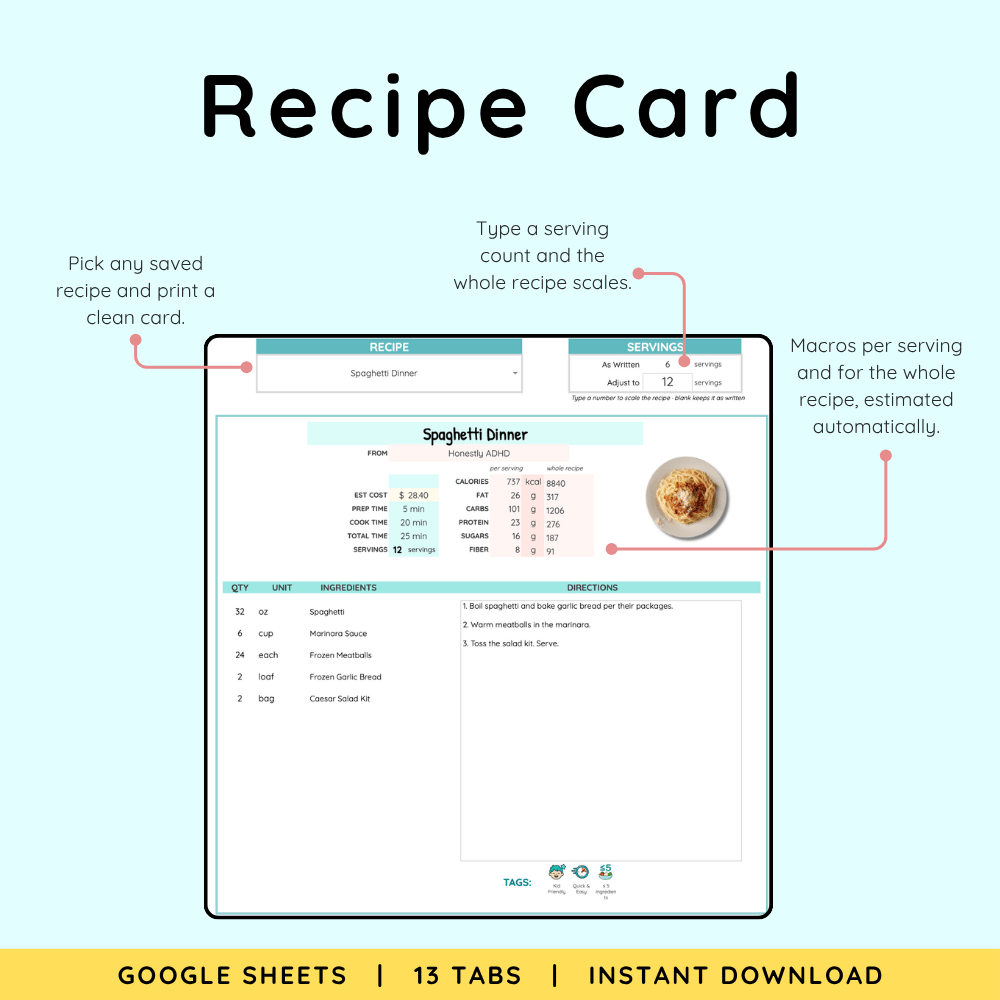
Calories, protein, carbs, fat, fiber, and sugar for every meal, per serving, estimated automatically. If you track protein or watch your blood sugar, the math is already done for you.
Know what the week costs before you shop.
Every meal shows an estimated cost and your week shows a total. No surprises at checkout.
Stop buying things you already own.
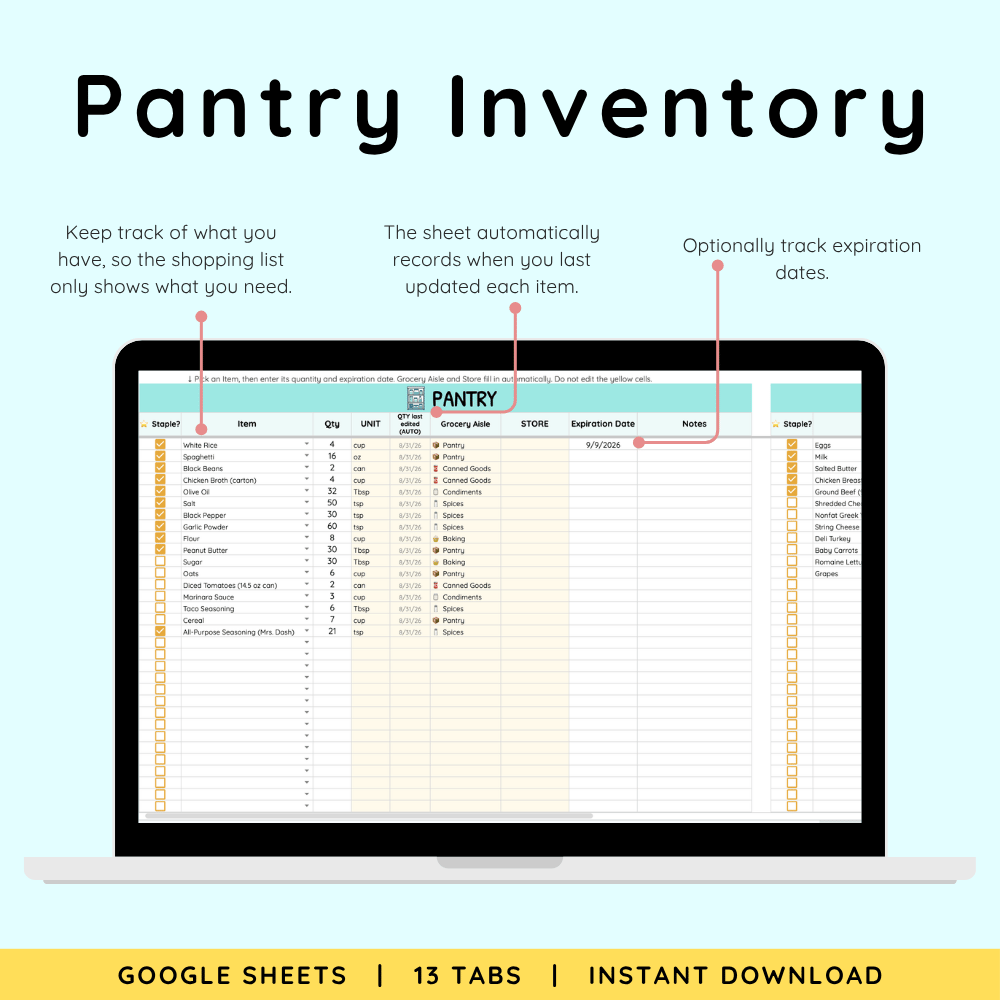
Tell the Pantry Inventory what is in your kitchen, and the list only asks you to buy what is missing.
Yours forever. No monthly fee.
Meal planning apps bill monthly whether you open them or not. This is a file you own: pay once, step away when life gets loud, and it's right where you left it when you come back.
Make it Your Own
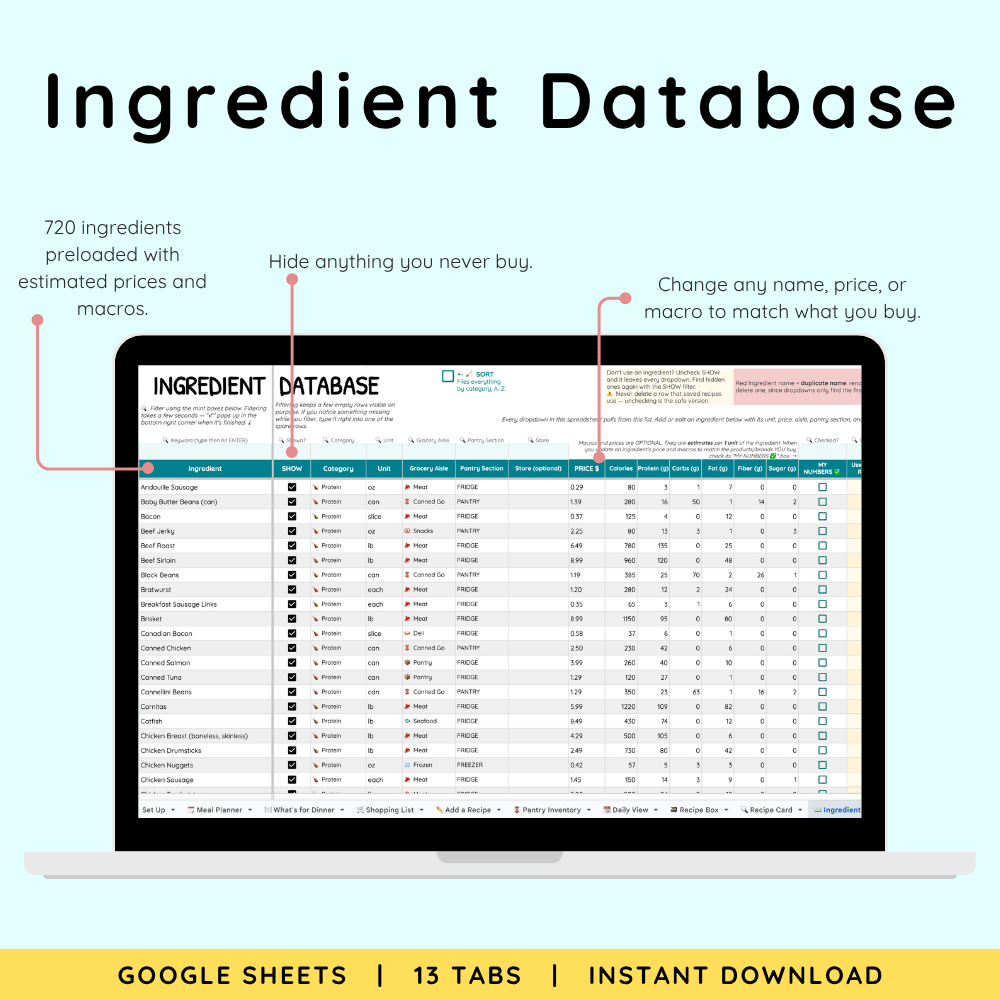
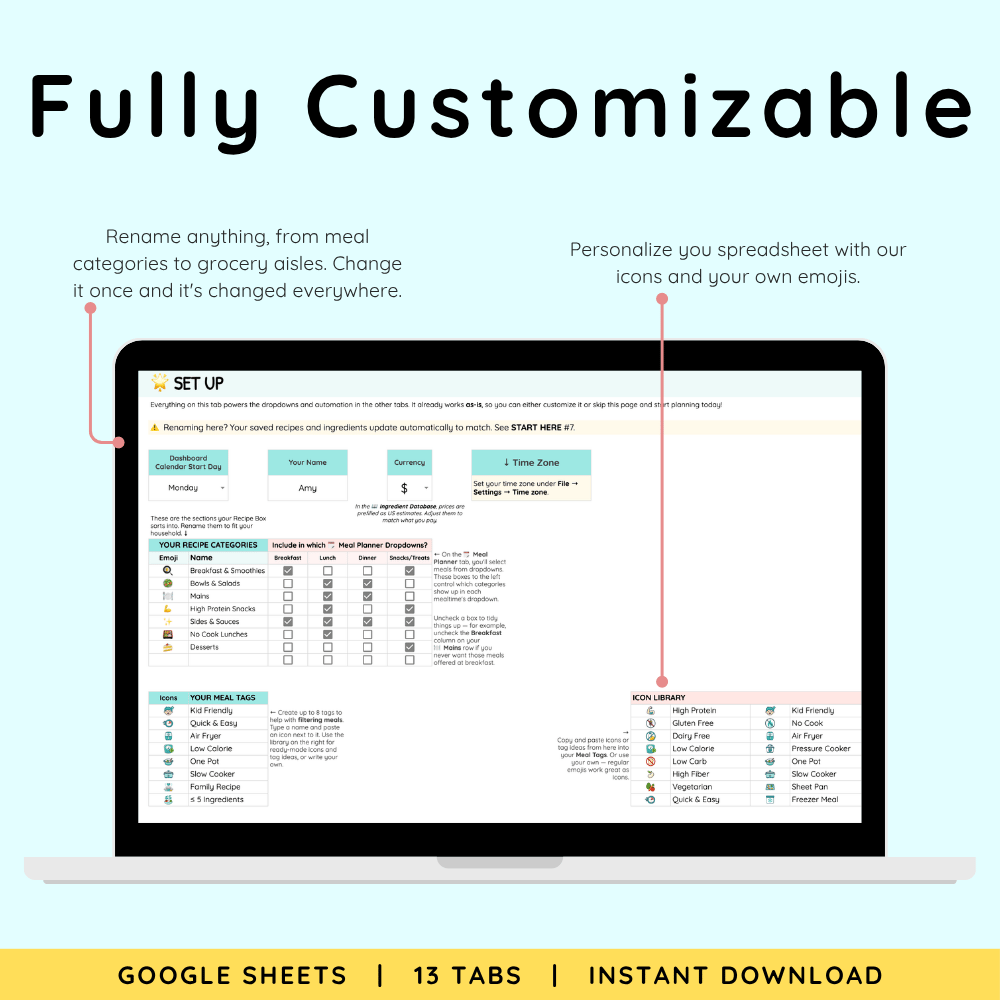
Everything is customizable. 720 ingredients come preloaded with estimated prices and macros, so it all works on day one. Adjust any of them to your brands, your prices, your macros from the label, and hide anything you never buy.
What's Inside the ADHD Meal Planner: 13 Tabs
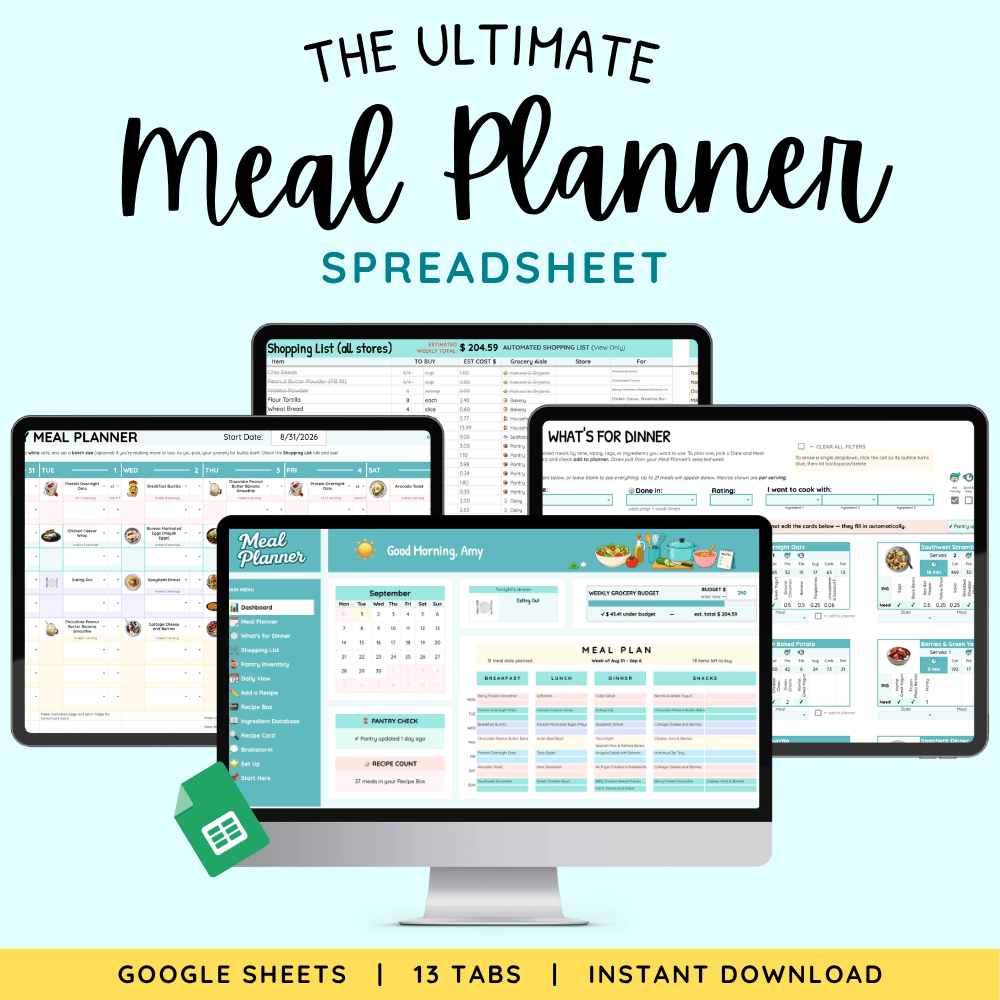
🏠 Dashboard - Your home screen: the week at a glance, your grocery cost against your budget, and a link to every tab.
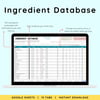
📖 Ingredient Database - 720 ingredients with estimated prices and macros, fully editable. Rename them to your brands, add your stores, and hide what you never buy.
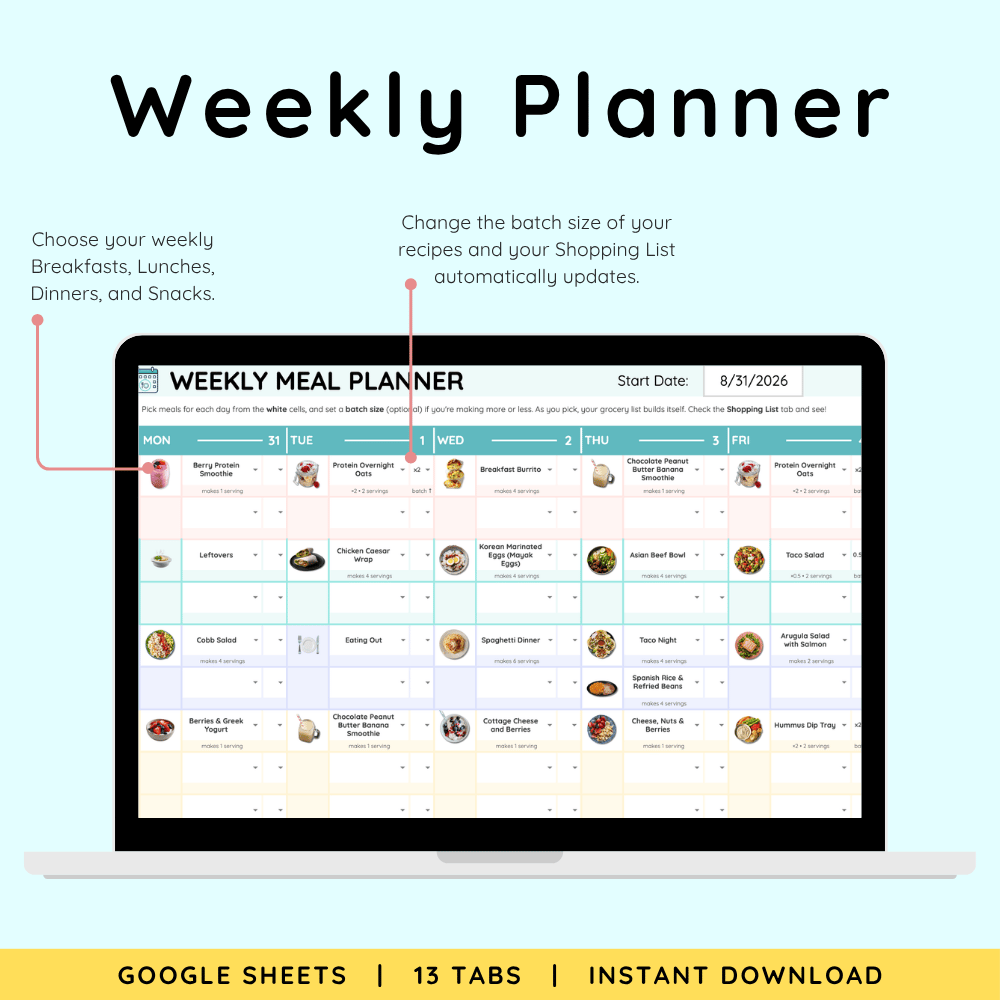
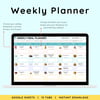
🗓️ Meal Planner - Pick breakfasts, lunches, dinners, and snacks for the week from your own saved meals, with the option to double or halve any recipe.
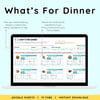
🍽️ What's for Dinner - Filter your saved meals by time, rating, tags, or ingredients you want to use, sorted by what's already in your pantry. Send any meal straight to the planner.
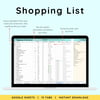
🛒 Shopping List - Built automatically from the week's meals, minus what your pantry already covers. Sorted by aisle, split by store, with an estimated total.
🥫 Pantry Inventory - A loose record of what's in your kitchen, with optional expiration dates. Feeds the Shopping List and What's for Dinner.
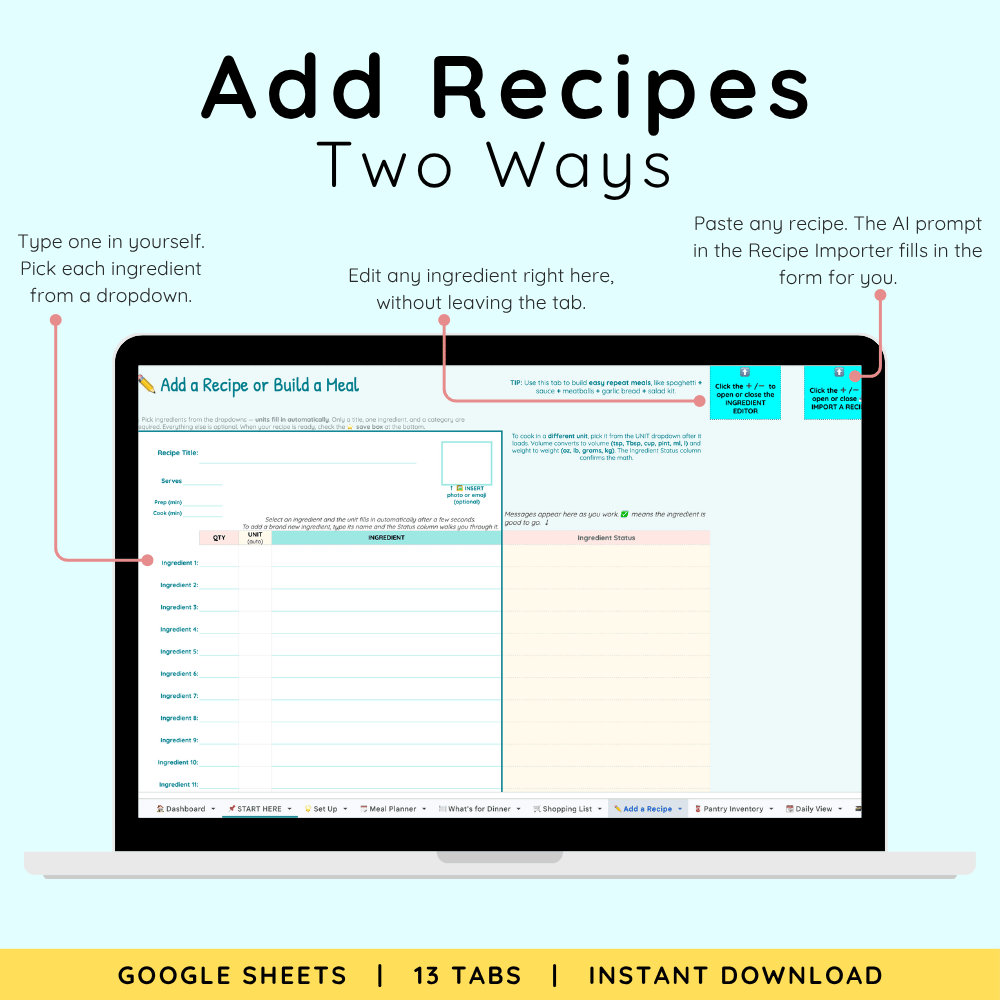
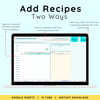
✏️ Add a Recipe - Save a recipe by picking ingredients from a dropdown, or paste any recipe and let Import fill the form.
🗃️ Recipe Box - Every saved meal in one row: ingredients, directions, tags, rating, cost, and macros. Edit anything right here.
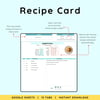
🔍 Recipe Card - Choose any saved meal to see it as a clean, printable card with adjustable servings, ready to cook from or print.
📆 Daily View - Everything you're making today with ingredients, directions, and total macros.
💭 Brainstorm - Scratch paper for meal ideas and notes.
📌 START HERE - Quick Start checklist, step-by-step instructions, and FAQ. Most people are set up in a few minutes.
🌟 Set Up - Name your meal categories, tags, grocery aisles, and stores once. Everything else in the sheet uses your choices.
What You'll Receive:
- 1 × Access PDF with link to your Ultimate ADHD Meal Planner Spreadsheet (13-tab Google Sheet)
- Link to your interactive DEMO copy
- Lifetime personal use of the template you copy into your own Google Drive
- Built-in instructions and Quick Start checklist inside the sheet's Start Here tab
What You'll Need
- A free Google account
- A computer or laptop
- (Phones and tablets can view it, but it works best on a computer)
- Internet Access
How to Access
- Log in to your Google Account
- Open the Access PDF from your purchase
- Click the link to the Google Sheet
- Go to File → Make a copy
- Your personal spreadsheet opens in your Google Drive
- Rename it and start customizing!
Important Info
- This is a digital product. No physical item will be shipped.
- This spreadsheet is designed specifically for use with Google Sheets and is not compatible with Excel.
- Works best on a computer & requires internet.
- Prices and macros are estimates. Adjust them to match what you buy.
- This is a planner for your own recipes. The DEMO copy includes some example recipes so you can see how everything works.
- Personal use only: please don't resell, share, or distribute the template or files.
- Because files are delivered instantly, no refunds or cancellations can be processed after purchase. But if you get stuck or something isn't working, we will always help - email orders@honestlyadhd.com.